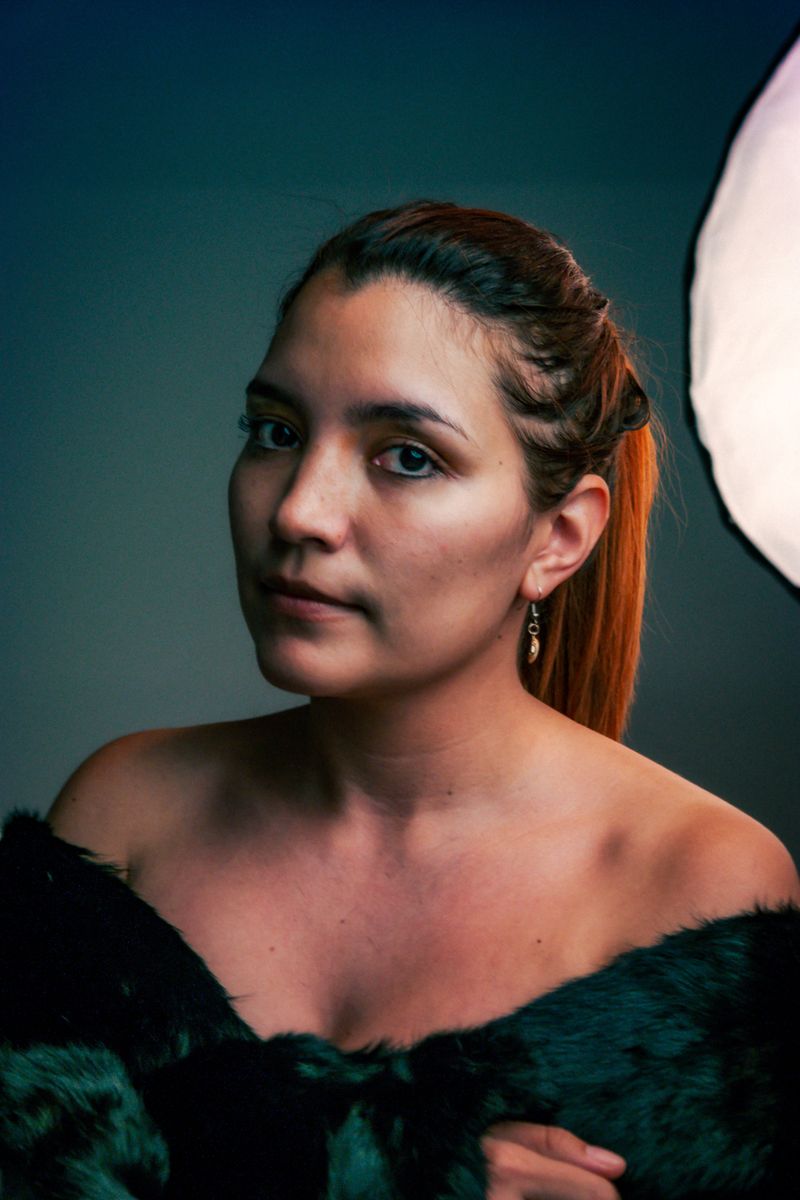
Fine liner
Hairline strokes, nothing filled in. Best for faces and hands.
Use this presetRuns in your browser · nothing uploaded
Drop in a portrait, a building, a bicycle. The tracer finds every edge, inks it at the weight you choose and hands you a PNG — on paper white or transparent — for stencils, embroidery, laser cutting, tattoos and print.
Fine liner
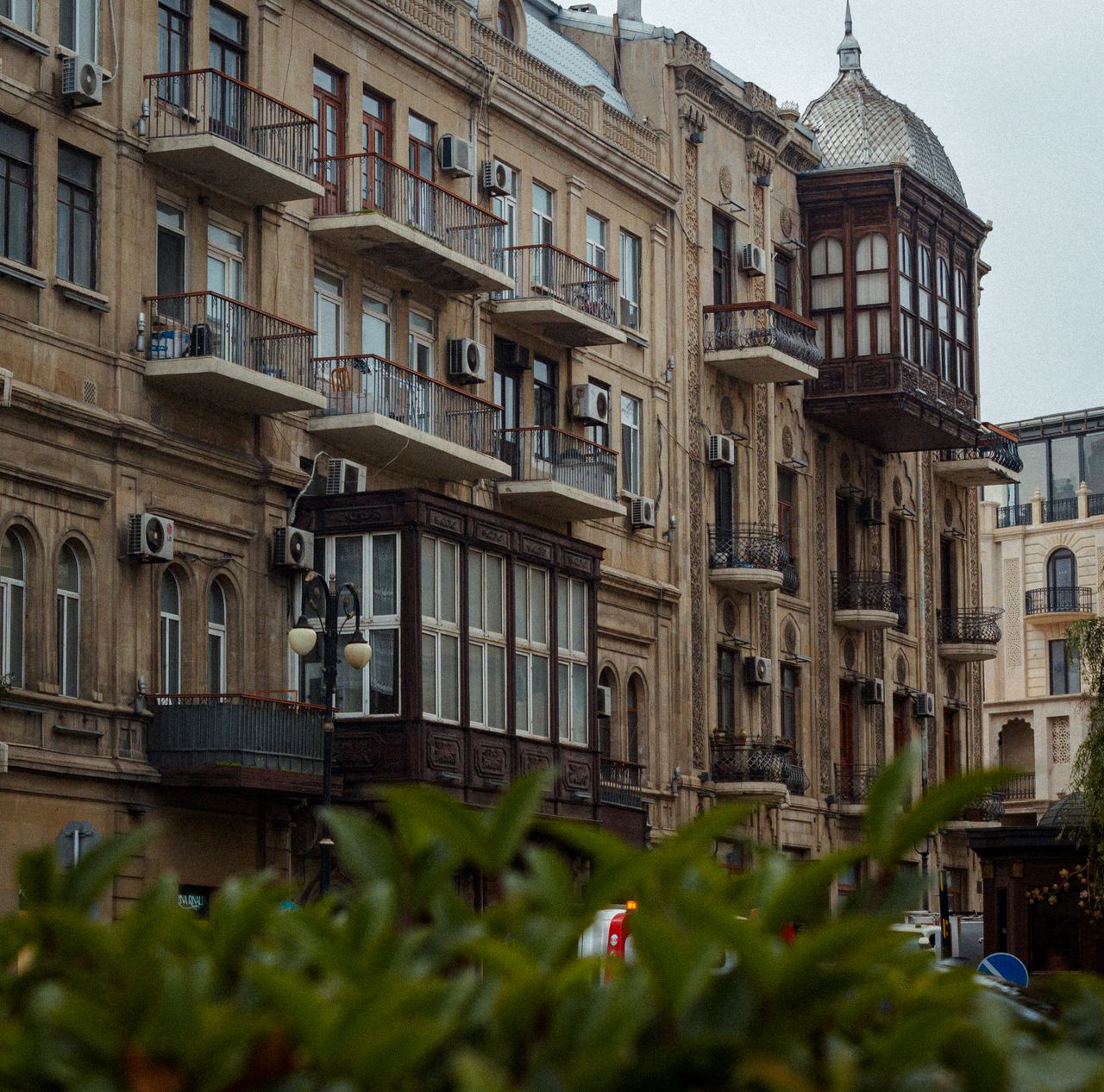
Bold ink
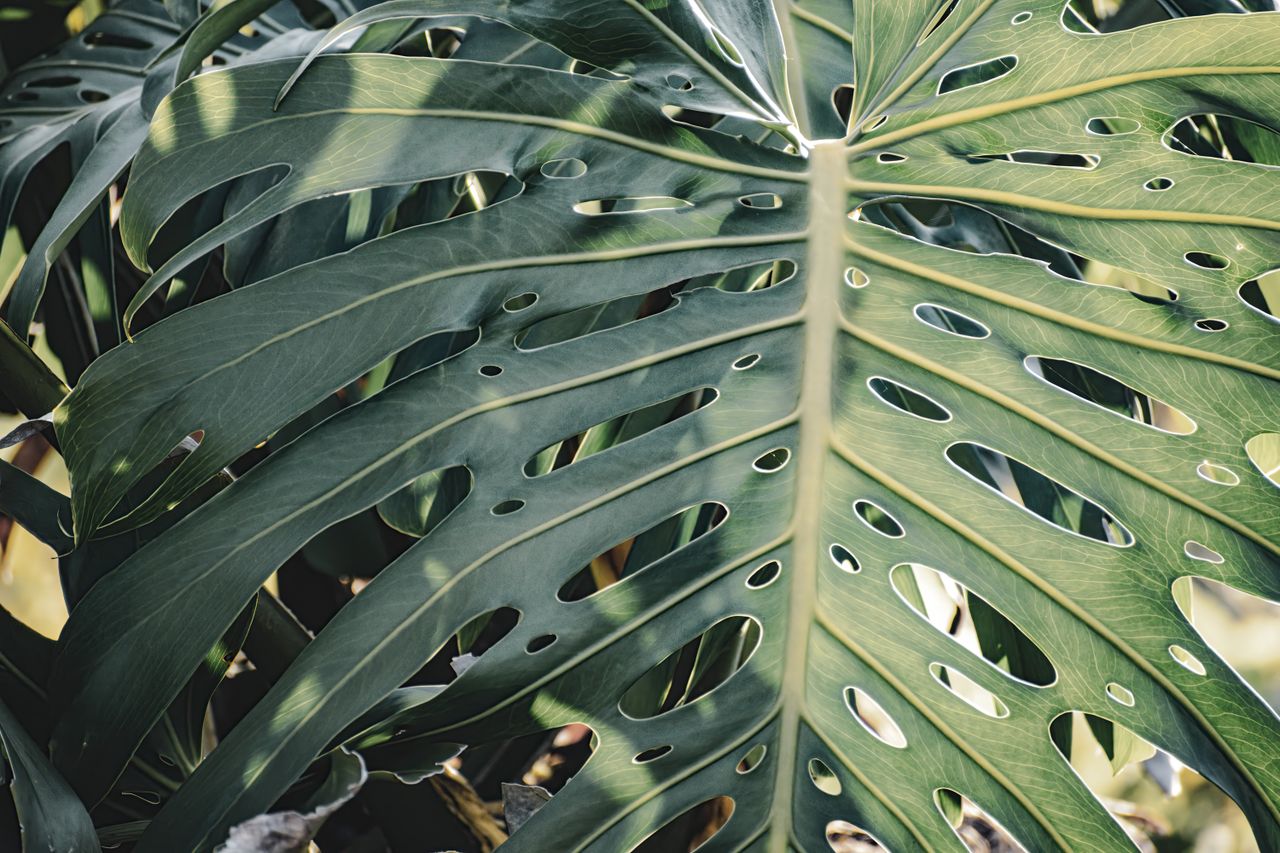
Soft graphite
Drag a photo in, paste one from the clipboard, or pick a file. Adjust and it redraws.
Drop a photograph here
JPG, PNG, WebP or GIF. Big files are scaled to 1500 px before tracing, so it stays quick.
or press ⌘V / Ctrl+V to paste
No photograph yet.
Presets
Low keeps every freckle and leaf vein. High keeps only the strong outlines.
Raise it for grainy phone shots so noise does not become scribble.
Each preset sets the style, threshold, weight and smoothing in one click — then nudge the sliders until it looks drawn by hand.
Hairline strokes, nothing filled in. Best for faces and hands.
Use this preset
Thick confident outlines — reads from across a room, prints large.
Use this preset
Keeps a whisper of shading, like a pencil study on cartridge paper.
Use this preset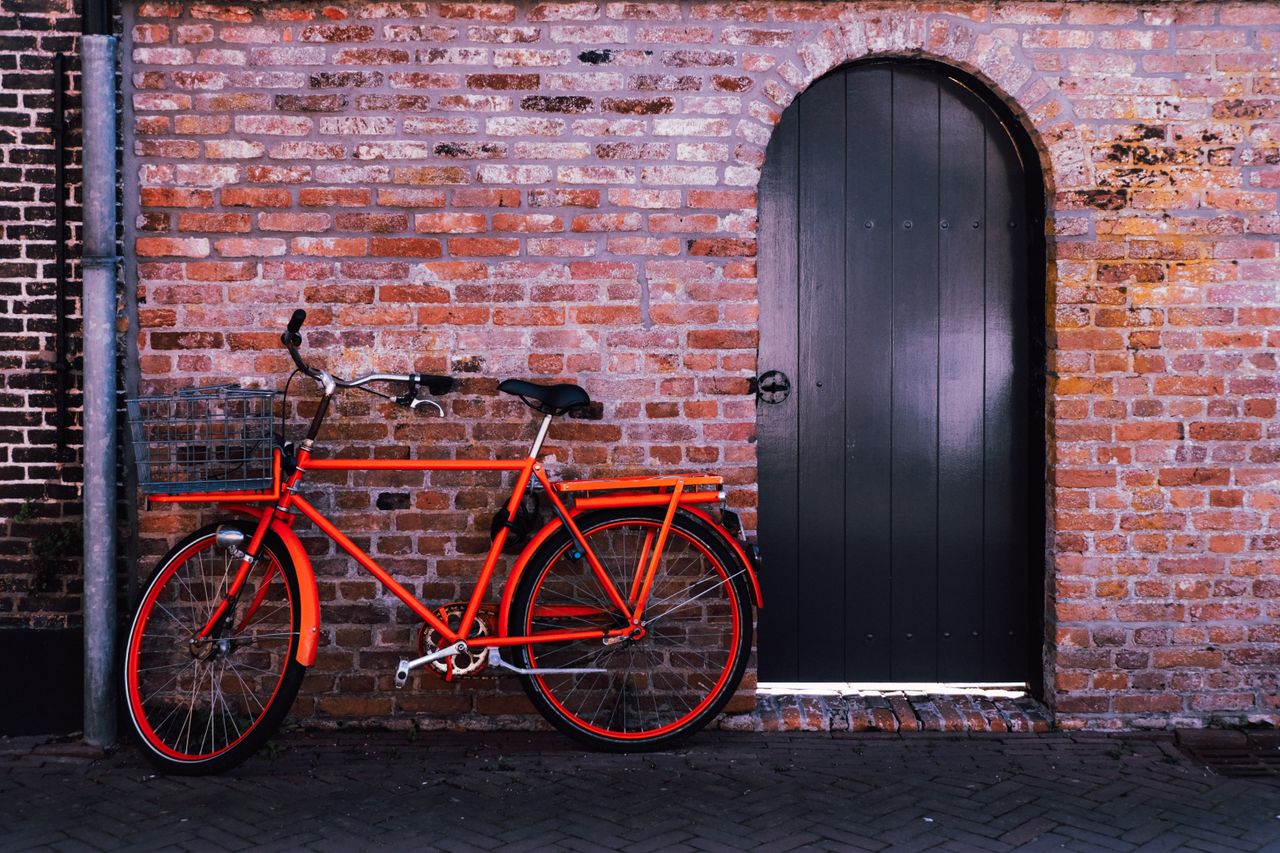
Pale lines on deep indigo. Architecture, bicycles, machinery.
Use this presetPrivate by construction
There is no server to send it to. The tracer is a few hundred lines of maths running on the canvas in front of you — which also means it keeps working on a plane, in a studio basement, or with the wifi off.
01
Drag it onto the plate, paste it from your clipboard, or choose a file. Side light and a plain background trace best.
02
Start from a preset, then move Edge threshold until the clutter drops away and Line weight until the strokes feel drawn.
03
Download the PNG — transparent if you are layering it — and send it to a plotter, a cutter, a screen or a sketchbook.
No. The tracing happens in your browser with the canvas API — there is no upload, no account and no copy of your picture on any server.
It converts the photo to luminance, smooths it, runs a Sobel gradient to find every edge, normalises the result against the 98.5th percentile so one bright highlight cannot drown the rest, then inks the edges with the weight and threshold you choose.
Anything with clear separation of light and dark: side-lit portraits, buildings, leaves, pets, bikes, hands. Flat studio light and heavy noise give mushy lines — raise Smoothing and Edge threshold together.
PNG at up to 1500 px on the long edge, on paper white or with a transparent background for layering in Illustrator, Cricut Design Space, Procreate or a tattoo stencil.
No account, no watermark, no upload. Just the plate, the sliders and a PNG.
Open the studio